- Written by: Hummaid Naseer
- June 30, 2025
- Categories: Cloud Infrastructure
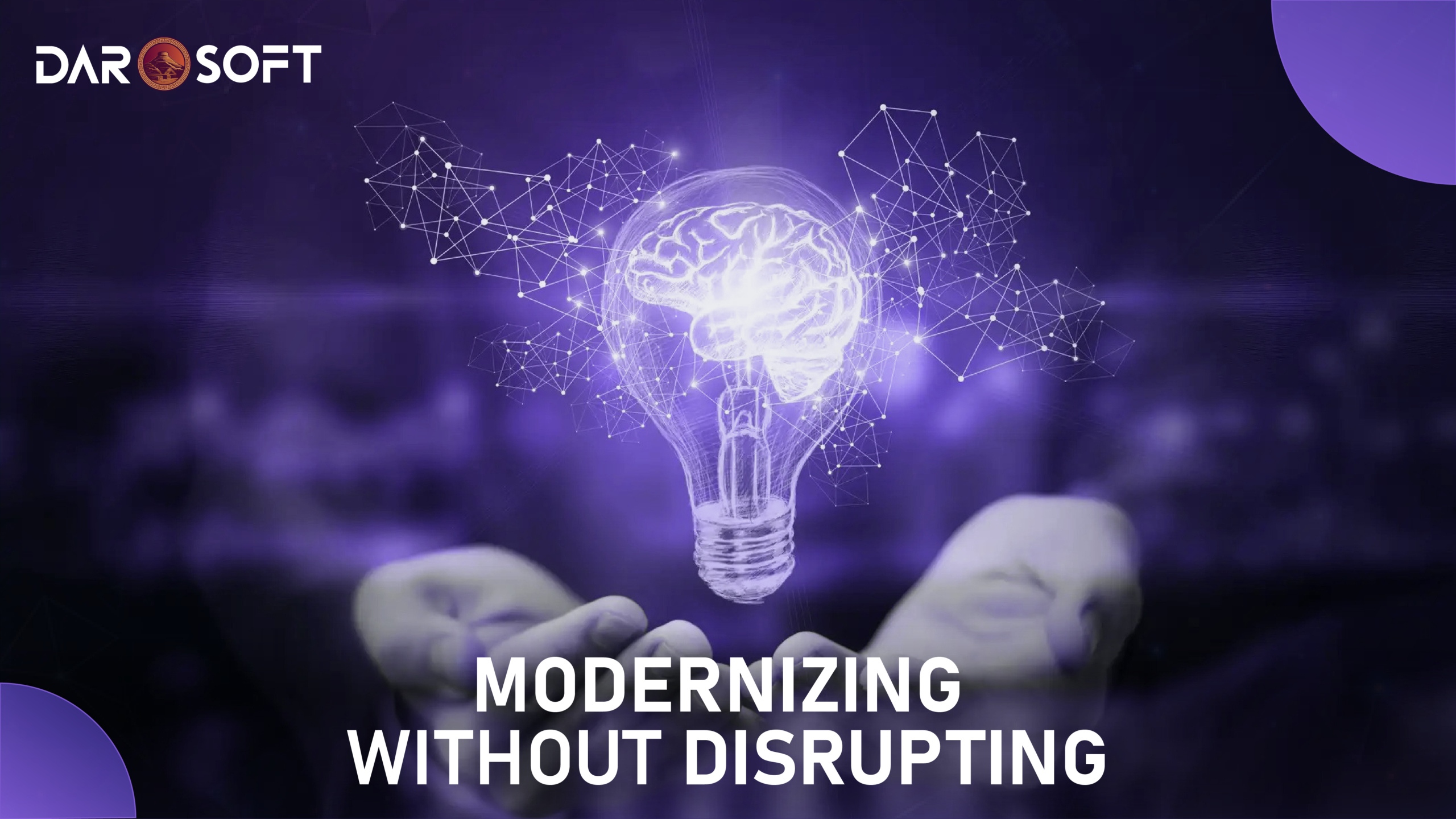
Legacy systems are often seen as outdated or problematic, but in reality, they represent years of business knowledge, workflows, and customer value. Rather than viewing them as technical debt to be discarded, forward-thinking organizations recognise legacy modernisation as a strategic opportunity.
By updating core systems with modern technologies, whether through APIs, cloud migration, or gradual re-architecture, businesses can unlock new efficiencies, improve agility, and deliver better customer experiences, all while preserving what already works. Modernisation isn’t just about rewriting code; it’s about evolving the foundation of your business to compete and grow in a digital world.
Startups and Growing Businesses Can’t Ignore Legacy Tech
Legacy systems may seem “good enough” at first, but as startups and growing businesses scale, these outdated technologies quickly become obstacles. They limit agility by making it harder to implement changes or adopt new features quickly. Scalability suffers because legacy architectures often can’t handle increased user loads or data demands efficiently.
Poor user experiences are another drawback older systems tend to be slow, clunky, and incompatible with modern design expectations. Most critically, integration with newer tools, APIs, and cloud services becomes difficult or impossible, cutting off access to innovations that drive growth. To stay competitive and responsive, businesses must address legacy tech before it stifles their momentum.
Darosoft Philosophy: Modernisation Begins with Business Logic
At the heart of every successful modernisation project is a deep understanding of how the business works. That’s why Darosoft begins not with code, but with your core workflows and business rules. Before making any technical changes, Darosoft maps out how your systems support day-to-day operations, what’s essential, what’s outdated, and what can be improved. This ensures we preserve what’s mission-critical while identifying opportunities to streamline, automate, or scale. By aligning technology upgrades with business logic from the start, Darosoft delivers systems that don’t just run better, they support your goals more effectively.
Before writing a single line of code or refactoring a legacy system, you need a clear, strategic understanding of where you are and where you need to go. This step ensures that modernisation efforts are targeted, cost-effective, and aligned with business priorities.
Step 1: Strategic Assessment
1. Identify Pain Points and Bottlenecks
Start by examining where your current system is failing:
-
Performance issues: Slow response times, high latency, or frequent crashes
-
User complaints: Frustrations with usability, functionality gaps, or poor workflows
-
Operational inefficiencies: Manual processes, duplicate data entry, or inconsistent outputs
-
Technical debt: Outdated code, unsupported platforms, or patchwork integrations
Tools: Stakeholder interviews, system performance audits, incident logs, user feedback surveys
2. Define Business-Critical Functions
Not everything needs to be rebuilt. Focus on what drives the core of your business:
-
What features or modules are mission-critical to daily operations?
-
Which processes directly support revenue, compliance, or customer satisfaction?
-
What functionality cannot afford downtime during or after migration?
This helps prioritize what must be preserved, replatformed, or enhanced during modernization.
3. Spot Opportunities for Automation or Simplification
Legacy systems are often bloated with outdated logic or manual steps that no longer serve real needs. Look for:
-
Redundant workflows that can be consolidated or removed
-
Manual processes ripe for automation (e.g., data imports, reporting, approvals)
-
Custom code that can be replaced with off-the-shelf integrations or APIs
-
Areas where modern tools (e.g., RPA, cloud functions, low-code) can reduce complexity
Step 2: Incremental Migration
Once you’ve assessed your existing system, the next step is to modernize gradually, not all at once. A full “rip-and-replace” approach is risky, expensive, and disruptive especially for systems that power critical business operations. Incremental migration minimizes downtime, reduces risk, and allows your team to deliver value continuously during the transformation.
1. Break It into Phases (Modular Replacement)
Divide the system into logical components—like billing, user authentication, inventory, or reporting—and rebuild one module at a time.
-
Prioritize high-impact modules first (e.g., the ones with the most technical debt or business friction).
-
Keep legacy and new systems running in parallel during the transition.
-
Validate each module before moving to the next.
Example: Replacing the legacy reporting engine first while keeping the rest of the system operational.
2. Use APIs to Bridge Old and New
APIs allow your legacy and modern systems to talk to each other, so you can integrate new features without disrupting the entire workflow.
-
Build API wrappers around legacy functions to expose them securely.
-
Introduce new services behind API gateways so that frontends can switch between old and new logic seamlessly.
-
Enables gradual front-end or client migration without changing backend behavior all at once.
Example: Implementing a new inventory dashboard that fetches data from both legacy and modern services via APIs.
3. Transition to Microservices (When Ready)
Instead of one monolithic upgrade, gradually extract core functionality into microservices:
-
Each microservice handles one function (e.g., payments, notifications).
-
Services can be built, deployed, and scaled independently.
-
Reduces the risk of a single failure taking down the entire system.
Tip: Start with stateless or less-regulated services, then move critical ones after proper testing and monitoring.
Step 3: Rebuild with Startup-Ready Tech Stacks
Once your system is mapped and modularized, it’s time to rebuild using technology stacks that are not only modern but also scalable, cloud-native, and developer-friendly. These startup-ready stacks are designed to reduce complexity, increase agility, and support future innovation from day one.
1. Choose Scalable Back-End Technologies
Opt for lightweight, high-performance back-end frameworks that support rapid development and are easy to scale.
-
Node.js – Event-driven, non-blocking I/O; great for APIs and microservices
-
Express.js – Minimal, unopinionated framework built on Node.js
-
NestJS – Structured alternative to Express, ideal for large-scale enterprise applications
-
Python (FastAPI, Django) – High productivity, great for data-heavy services
Why it matters: These frameworks are fast to develop, easy to deploy, and supported by strong ecosystems.
2. Go Front-End First with Modern UI Frameworks
Build responsive, dynamic front-ends that improve UX and reduce time-to-market.
-
React – Declarative and component-based; ideal for SPAs and dashboards
-
Next.js – Server-side rendering, API routes, and great SEO support
-
Vue.js – Lightweight and flexible; easier for smaller teams
-
Tailwind CSS – Utility-first CSS framework for rapid UI design
Why it matters: These tools let teams ship beautiful, performant interfaces faster with reusable components and strong community support.
3. Use Cloud-Native Platforms for Infrastructure
Deploy to scalable, fully managed cloud platforms that reduce ops overhead and enable global performance.
-
Firebase – Real-time database, authentication, hosting, and serverless functions in one
-
AWS (Lambda, S3, DynamoDB) – Granular control and enterprise-grade scalability
-
Google Cloud Platform (GCP) – ML-friendly, with services like Firestore and Cloud Run
-
Docker + Kubernetes – For teams needing portable containers and fine-grained orchestration
Why it matters: Cloud-native stacks allow you to scale on demand, reduce infrastructure management, and build with resilience in mind.
4. Embrace Dev-Friendly Tools & APIs
Modern developers move fast with the help of well-integrated services:
-
CI/CD: GitHub Actions, GitLab CI, CircleCI
-
Monitoring: LogRocket, Sentry, Datadog
-
Auth: Firebase Auth, Auth0, Clerk
-
Payments: Stripe, PayFast
-
Notifications: OneSignal, Twilio
Step 4: Data Migration
Data is the backbone of any system, and mishandling it during a rebuild can lead to serious operational and reputational risk. That’s why modernizing legacy systems must include a well-planned data migration strategy one that ensures clean, validated, and secure transfer of historical data while preserving business continuity.
1. Clean Your Data Before You Move It
Legacy databases often contain years (or decades) of redundant, inconsistent, or obsolete records. Before migration:
-
Identify duplicates, nulls, and inconsistencies
-
Standardize formats (e.g., dates, currencies, units)
-
Remove deprecated fields or legacy business logic
-
Tag or archive outdated entries you may not want to migrate
Why it matters: Garbage in = garbage out. Clean data leads to better performance, reporting, and user trust in the new system.
2. Validate and Map Fields Thoughtfully
Create a data mapping plan to match old data structures to the new architecture:
-
Align field names, data types, and relational integrity
-
Define how custom logic or calculated fields will be preserved
-
Validate critical relationships (e.g., users to orders, transactions to invoices)
Run test migrations on subsets of data to ensure compatibility and accuracy.
Tip: Use ETL (Extract, Transform, Load) tools like Talend, Apache Nifi, or custom Python scripts for structured transformation.
3. Migrate in Phases—Not All at Once
Avoid downtime and data loss by migrating incrementally:
-
Start with non-critical data (e.g., logs, archived content)
-
Move active operational data during off-peak hours
-
Keep old and new systems running in parallel for a period (“dual-write” or “read-through” model)
-
Monitor for inconsistencies or breakpoints
Example: Sync recent user transactions daily until full cutover, then lock writes during the final switchover window.
4. Prioritize Security and Compliance
During migration, data is vulnerable. Protect it:
-
Use encryption in transit (e.g., TLS) and at rest
-
Anonymize or mask PII if required for compliance (e.g., GDPR, HIPAA)
-
Maintain audit logs of what was moved, transformed, or excluded
-
Ensure access is tightly controlled and logged
Step 5: UI/UX Overhaul
Legacy systems often fail not just because of what they do but how they feel. Clunky interfaces, confusing workflows, and outdated visuals hurt productivity and user satisfaction. That’s why modernizing your product should include a complete UI/UX transformation that makes your system as intuitive as the tools users are familiar with today.
1. Reimagine Workflows—Don’t Just Redesign Screens
Don’t fall into the trap of putting a fresh coat of paint on the same old flaws. Instead:
-
Observe how real users interact with your system
-
Identify friction points, extra clicks, and confusing decision paths
-
Streamline complex actions into fewer, smarter steps
-
Align workflows with user goals, not legacy logic
Example: Replace a 6-step data entry form with a smart, auto-saving wizard that uses dynamic fields and real-time validation.
2. Design for Familiarity and Efficiency
Today’s users expect:
-
Responsive layouts that work seamlessly across devices
-
Clean, minimalist design with clear visual hierarchy
-
Instant feedback on actions (e.g., animations, loaders, toasts)
-
Keyboard shortcuts, dark mode, drag-and-drop, and more
Use popular UI frameworks like Material UI, Tailwind, or Ant Design to speed up development and meet design standards.
3. Prototype and Test Before You Code
Build wireframes and interactive prototypes using tools like:
-
Figma – for collaborative interface design
-
InVision or Adobe XD – for clickable mockups and flow testing
-
Maze or Hotjar – to gather real user feedback
Run usability tests with internal teams or a beta group to validate decisions before investing in full development.
4. Embrace a Component-Driven Frontend Stack
Modern UI frameworks make interfaces easier to scale and maintain:
-
React + Tailwind CSS or Next.js – for component-based architecture and performance
-
Design systems (e.g., Storybook, Chakra UI) – to standardize UI across the product
-
Use state management (Redux, Zustand, React Query) to keep data flow predictable and clean
Conclusion
Modernizing a legacy system isn’t just a technical upgrade—it’s a strategic transformation. While code refactoring, new stacks, and fresh interfaces matter, the real payoff lies in what they enable: faster product cycles, smarter workflows, happier users, and scalable infrastructure that grows with your business.
In a market where speed, adaptability, and user experience are competitive advantages, clinging to outdated systems holds companies back. Modernization is how you unlock agility, future-proof operations, and set your team up to move fast without breaking everything.
It’s not just about rewriting software—it’s about rewriting what your business is capable of.